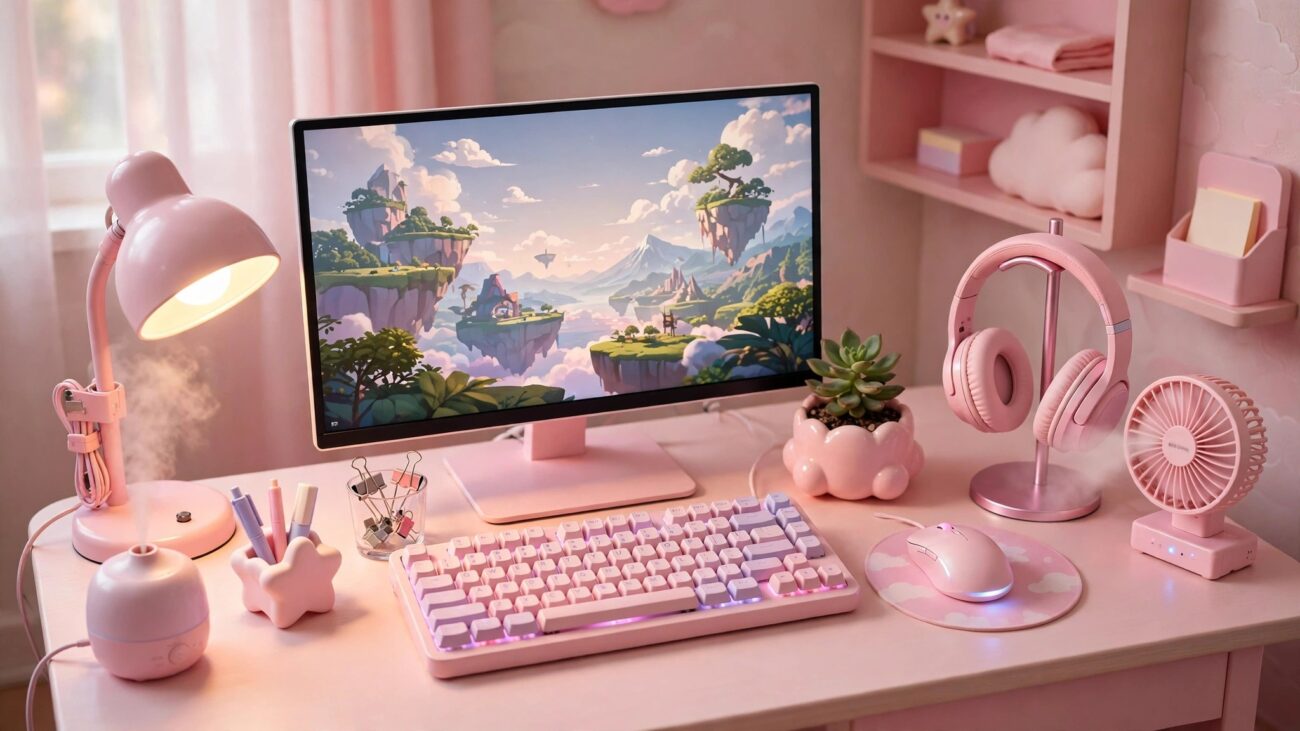
The problem with kawaii desk accessories is not that they are cute. It is that cuteness is usually where their job description ends. The strawberry milk lamp that gives off less light than your monitor. The plush wrist rest that holds your wrist at exactly the wrong angle for eight hours. The cable shaped like a vine that cannot carry the charge your phone actually needs, plugged into a power strip shaped like a piece of toast that nobody should trust with a gaming PC. A gaming desk is a small, crowded, hard-working surface, and everything on it is competing for the same few square feet as your monitor, your keyboard, your mouse space, and your drink. An accessory that only decorates is not neutral in that contest — it is spending space, power, and attention that a working accessory could have spent better. The good news is that the kawaii versions of genuinely useful desk gear exist for almost every job a desk needs done. The skill is telling them apart before you buy, and that skill is a set of checks: what job does this do, what does the evidence say the job actually requires, and does the cute version meet that requirement or just wear its costume. This guide runs those checks job by job — space, light, power, posture, ambience, and the small tools that run a session — so your desk can be as cute as you want it to be and still be a desk that works.
Start here: Building the desk itself first? Read Small Gaming Setup Ideas for a Bedroom or Dorm Corner for the layout and measurements, then run every accessory below through the same two questions: what job does it do, and does the cute version do that job properly?
Key Takeaways
- Every accessory has to pass two tests: the look test and the job test. Failing the job test makes it clutter with a face on it.
- Desk space is a budget. Trays, risers, and holders earn their footprint by giving surface back, not by taking it.
- A desk lamp’s job is measured in usable light at the right temperature, not in how it photographs — match the light to the work and to your camera.
- Power accessories are safety equipment wearing a costume. Listed, protected, never daisy-chained beats adorable every time.
- Plants and plush are ambience, and ambience is a real job — but it is not air purification, and pretending otherwise leads to bad buys.
- The highest-value kawaii accessories are the small session tools: timers, coasters, cable clips, and stands you touch every day.
Table of Contents
- The Test Every Accessory Has to Pass
- Desk Space Is a Budget: Trays, Risers, and Room to Work
- Light That Works: Lamps, Light Bars, and Honest Color
- Power, Cables, and Charging: Cute Until It Isn’t
- Holders and Risers That Change Your Posture
- Plants, Plush, and the Ambience Ledger
- Small Tools That Run the Session
- Our View
- FAQ
- Sources
- Recommended
The Test Every Accessory Has to Pass
Every desk accessory, kawaii or not, is hired to do a job, and the honest way to shop is to write the job description before you look at the faces. A lamp’s job is to put usable light where your eyes and your camera need it. A wrist rest’s job is to support your palm during pauses, not to hold your wrist up while you type. A plant’s job — its real one — is to make the desk feel alive and give your eyes somewhere soft to land. None of those jobs is “look like a strawberry,” and yet the strawberry version can do every one of them well, provided the object underneath the styling was designed as equipment first. That ordering is the whole test. When the styling was applied to a sound object, you get a cute lamp that is also a good lamp. When the object was designed as a photo prop and given a plug as an afterthought, you get the toast power strip.
The reason the test matters more on a gaming desk than on an office desk is density. A gaming setup concentrates a monitor or two, a keyboard, a large mouse area, a headset and its stand, a controller, a microphone, and a drink onto a surface that is often a bedroom desk barely wider than the monitor. Ergonomics guidance makes the same point from the body side: OSHA’s computer workstation eTool is built around arranging the components you actually use within comfortable reach and keeping the workstation fitted to the person, and every decorative object that pushes a working component out of that arrangement is charging rent in posture. The Mayo Clinic’s ergonomics guide lays out the target geometry — monitor distance and height, keyboard position, chair support — and it is a useful measuring stick for accessories: a riser, stand, or tray that moves your setup toward that geometry is doing real work, and one that moves it away is doing the opposite, however cute it is.
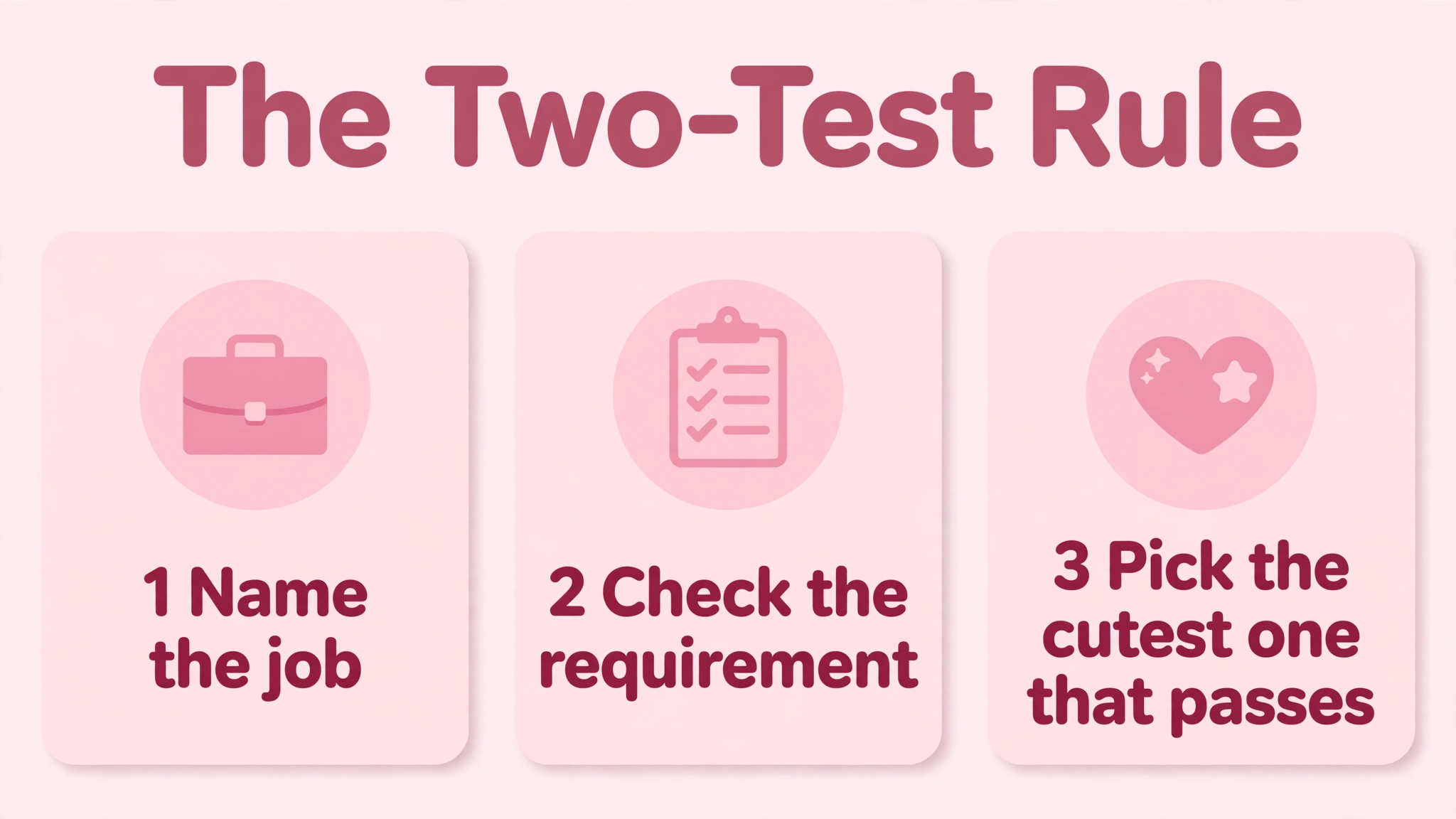
So the rule for everything that follows is simple. Name the job in plain words first. Check what the job actually requires, from sources that measure it rather than sell it. Then, and only then, pick the cutest object that meets the requirement. Applied across the six jobs below, that rule produces a desk that looks like a kawaii showcase and behaves like a workstation — which is the entire point of the exercise.
| Accessory | The job it is hired for | The failure to avoid |
|---|---|---|
| Desk lamp | Usable light for eyes and camera | A glow that photographs well and lights nothing |
| Monitor riser | Screen at the right height, space underneath | A fixed height that fits nobody, storage it displaces |
| Power strip | Safe, protected power within reach | Unlisted novelty shapes, daisy-chaining |
| Wrist rest | Palm support during pauses | Holding wrists up at an angle while typing |
| Desk plant | Ambience and a soft place for eyes to rest | Being bought as an air purifier |
| Timer clock | Breaks and session structure | A notification you learn to ignore |
Desk Space Is a Budget: Trays, Risers, and Room to Work
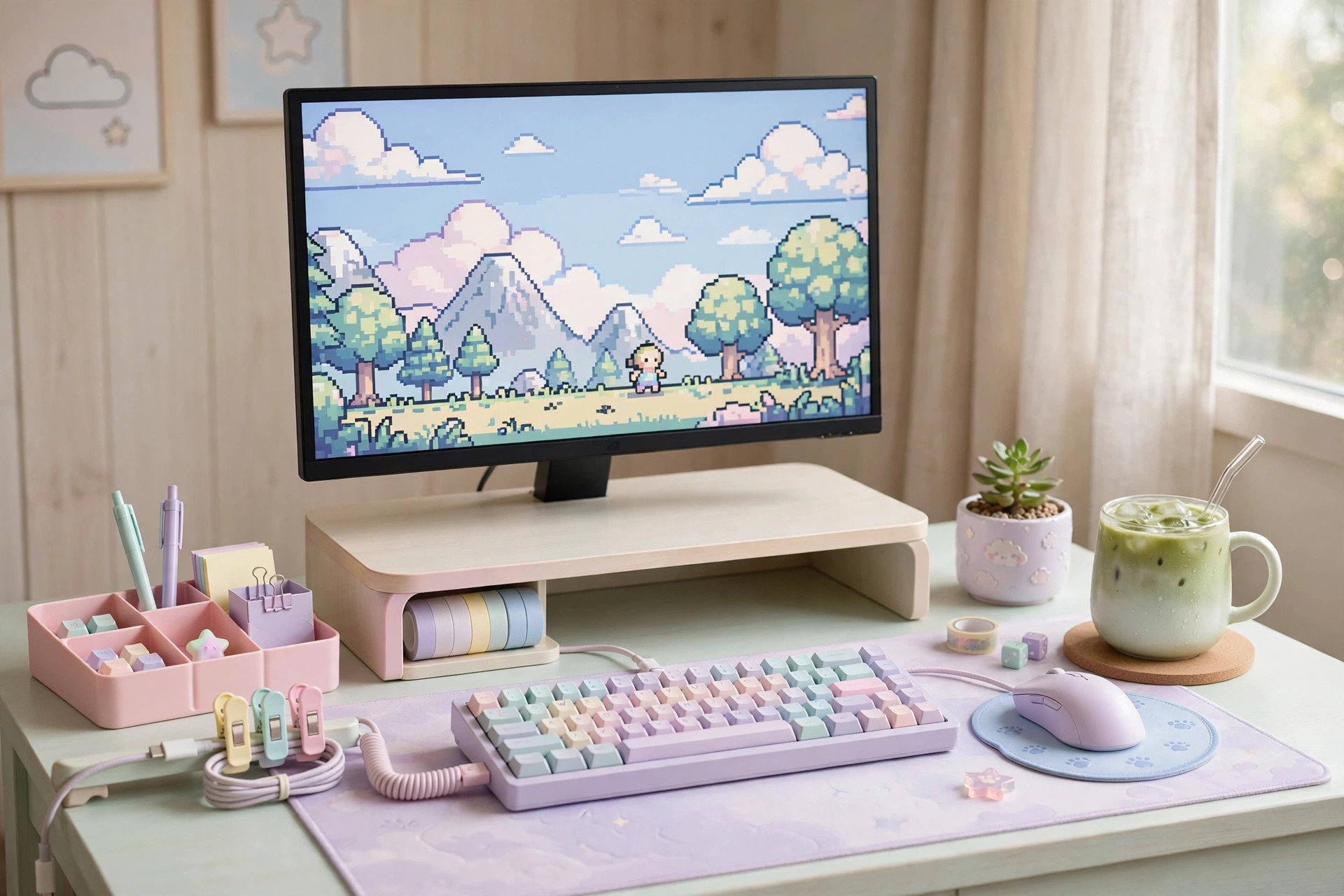
The most valuable thing a desk accessory can give you is the desk itself back. On a small gaming desk, surface area is the scarcest resource there is, and the accessories that earn their keep are the ones with a positive space balance: they occupy a footprint and return more usable area than they took. A monitor riser is the clearest example. It lifts the screen — which needs lifting anyway, as the posture section below covers — and the space underneath it becomes a home for the keyboard when you need the desk for something else, or for the controller, notebook, and handheld that otherwise sprawl. A headset stand does the same trade vertically: the headset’s footprint on the desk becomes a few square inches of stand base, and the headset stops living on top of your keyboard. Under-desk cable trays return the entire floor-and-desk-edge zone by taking the cable tangle off the visible surface and out of the dust.
The kawaii versions of all three exist and pass the test easily, because the job requirements are mostly structural. A riser needs to be the right height for your setup, stable under your monitor’s weight, and deep enough for its feet — a pastel riser that wobbles or flexes fails the job test no matter how it looks, and one that is a fixed wrong height for your chair and desk combination fails it too. A headset stand needs a weighted or wide base, because headsets get knocked in the dark at the end of sessions. A cable tray needs to be big enough for your actual strip and bricks, because a tray that fits only after you remove half your power gear has not solved the problem it was hired for. Measure first, buy cute second: the dimensions are the job, the colorway is the reward.
What fails the space test is the category of accessories that only occupy: figurine rows across the monitor shelf, decorative boxes that store nothing you use, plush piles on the working surface itself. None of this is forbidden — ambience gets its own section below, and a desk you love looking at is a desk you will keep tidy — but ambience belongs on the non-working zones: the shelf above the monitor, the wall, the corner the mouse never visits. The working rectangle in front of you, roughly the area your forearms and your mouse cover, should be defended. Every object inside it should be able to answer the question “what do you do?” in one sentence, and “I am a tiny decorative cake” is not an answer that survives a ranked match or a deadline.
Light That Works: Lamps, Light Bars, and Honest Color
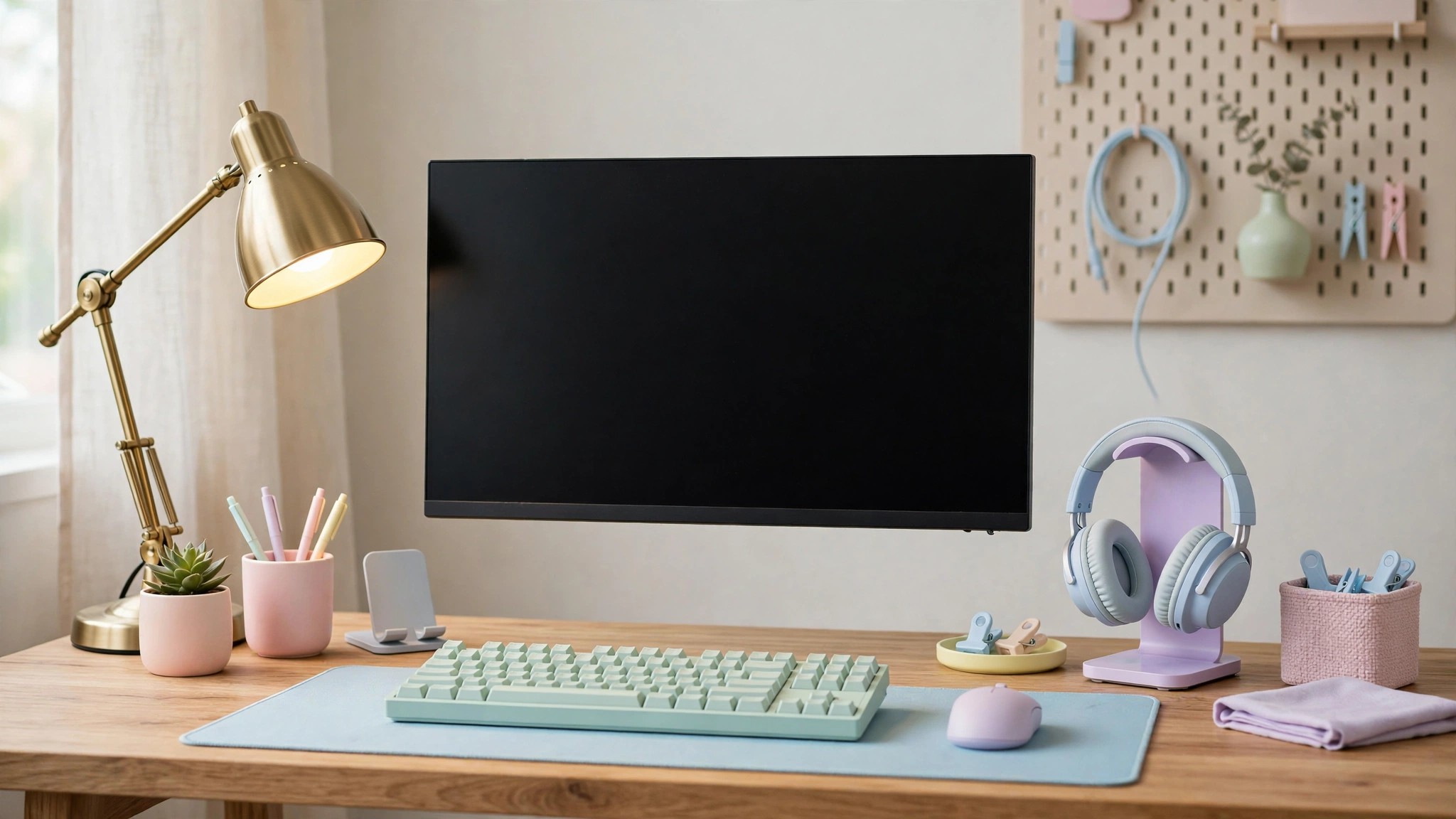
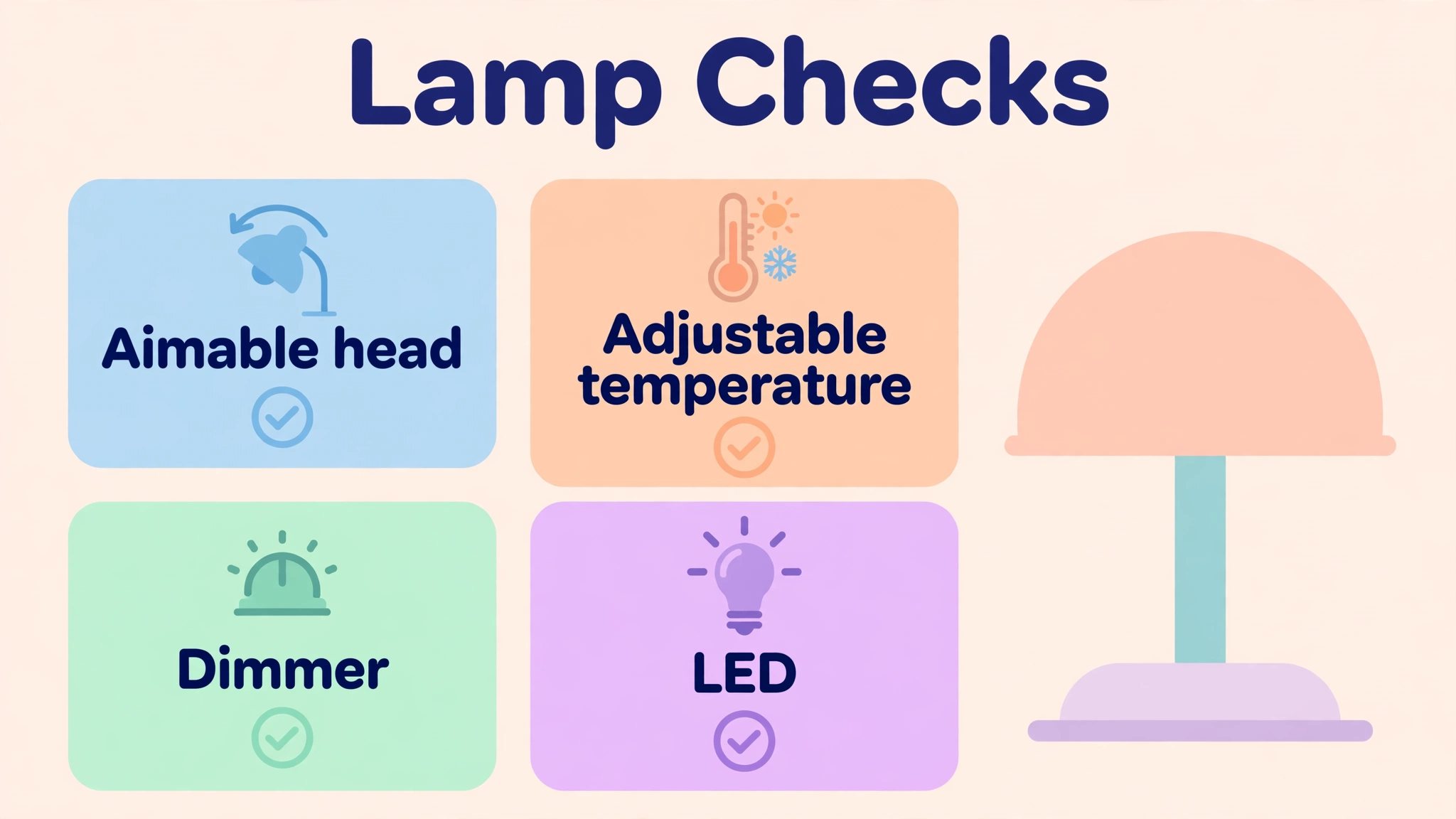
A desk lamp has one job — put the right light in the right place — and it is the accessory where kawaii versions fail most charmingly. The failure mode is the novelty lamp that produces a colored glow: lovely in a photo of the desk, useless for reading, for finding the key you need, or for lighting your face on camera. Working light is a specification before it is a style. The U.S. Department of Energy’s LED lighting guide makes the practical case for LED as the default: quality LEDs use far less energy and last far longer than the incandescent bulbs they replace, which matters for a lamp that burns through every stream and study session. What the lamp needs beyond efficiency is output you can aim — a head that points at the desk surface or at your face rather than glowing in all directions — and a color temperature you can set or have chosen deliberately.
Temperature is where the desk lamp meets the camera, and the principle is the same one that governs outfit colors on stream. Cambridge in Colour’s explainer on white balance describes how a camera has to be told what white looks like under your light, and mixed light — a warm lamp fighting a cool monitor glow — is what produces the muddy, shifting skin tones that make a setup look cheaper than it is. A lamp with adjustable temperature lets you match your room’s other light instead of fighting it, and a screen light bar earns its place by lighting the desk surface without throwing glare onto the monitor or into the camera. The kawaii test for both is whether the adjustment survived the styling: a cloud-shaped lamp with three temperatures and a dimmer is a real lamp in a costume; a cloud that only glows pink at one fixed brightness is a night-light, and should be bought with night-light expectations.
Your eyes grade the lamp too, and their report is worth listening to. The American Academy of Ophthalmology’s guidance on digital devices and your eyes is clear that the discomfort people blame on screens is mostly about how the devices are used — blink rates drop by about half during screen work — and its practical advice includes reducing glare and adjusting brightness and room lighting so your eyes are not fighting contrast. That is a lamp specification written by eye doctors: light the room and the desk evenly enough that the monitor is not a bright rectangle in a dark cave, and half of what people call eye strain never happens. A cute lamp that can do that is not a compromise between style and health. It is the style, doing its job.
Power, Cables, and Charging: Cute Until It Isn’t
Power accessories are the one category where the job test is not about comfort or convenience — it is about fire safety, and the cute version has to clear a higher bar, not a lower one. A gaming desk concentrates power like nothing else in a bedroom: a PC, one or two monitors, a console, chargers, a lamp, speakers, and a headset dock all want the same wall outlet, and the power strip that serves them is safety equipment. The rules for it are not a matter of taste. Indiana University’s extension cord safety guide, written for its own buildings, states the standard set plainly: power strips should have internal overcurrent protection, carry a recognized listing such as UL, plug directly into a wall outlet, and never be daisy-chained — plugged into another strip or an extension cord — because the overload and overheating risk is exactly how electrical fires start. Emory University’s power strip safety guidance adds the inspection habit: check cords and strips for damage before use, discard anything cracked, melted, or missing a ground pin, and use surge protection for the sensitive electronics — the PC, monitors, and consoles — that a desk full of gear represents.
Hold those rules up against the novelty market and the failures identify themselves. A power strip shaped like a slice of toast or a game cartridge, sold without a listing, without overcurrent protection, and without a surge rating, is not a kawaii power strip; it is an unlisted electrical device with a gaming PC plugged into it. The passing version absolutely exists — listed strips and surge protectors come in white, pastel, and compact desk-mount forms, and a cable-management box in a cute colorway hides the whole arrangement while keeping it ventilated and off the floor. The discipline is to buy the protection first and the color second, and to treat “no listing mentioned anywhere on the listing page” as a disqualification, full stop. The same discipline applies to the desk’s charging corner. A multi-device charging stand is a genuinely useful accessory — it gives the phone, earbuds, and controller one home instead of three cable ends — but the batteries inside those devices age by chemistry. Battery University’s reference on prolonging lithium-based batteries documents that heat accelerates capacity loss and that batteries kept at full charge age faster, which is why a charging stand parked permanently beside a hot PC exhaust is quietly taxing every battery in it, and why charging in the open, away from heat, is the smarter default.
Cables themselves are the last power check, and the simplest: a cable is a specification with a rating, and the braided pastel cable that cannot carry your phone’s fast-charge wattage or your monitor’s display standard is a decoration shaped like a cable. Buy cables by their rating first — the wattage, the USB or DisplayPort standard, the length your desk actually needs — and then take the cute braid, the coiled cord, the color that matches the setup. Rated cables come in all of those. What you are avoiding is only the unrated ones, and the avoidance costs you nothing but one extra glance at the spec line.
Holders and Risers That Change Your Posture
Some accessories are furniture in miniature, and their job is measured in angles, not aesthetics. A monitor arm or riser decides where your screen sits, and screen position decides your neck’s evening. The Mayo Clinic’s ergonomics guide puts the monitor roughly an arm’s length away with the top of the screen at or slightly below eye level, and OSHA’s computer workstation eTool builds the same geometry out in more detail: screen, keyboard, and chair arranged so joints sit neutral instead of cranked. A laptop stand does the same job for the laptop-as-main-screen setup, lifting the display to eye level so an external keyboard and mouse can do the typing at desk height. These are the accessories with the strongest claim to “real work” on the whole desk, because their effect is not convenience — it is whether your shoulders are still comfortable in hour three.
The kawaii test here is adjustability and honesty about fit. A monitor riser in a fixed height is a bet that your chair, desk, and torso match the designer’s guess; a riser with two height settings, or an arm that clamps and moves, can actually be fitted to you. A phone stand with a fixed steep angle is fine for watching chat and useless for a face-level camera; an adjustable one does both jobs. A wrist rest is the category’s cautionary tale: its job is to give your palms somewhere soft during pauses, and the plush versions — the little bread loaves and paw pads — do that job well. Used as a typing prop, with wrists planted and bent while your fingers reach, a rest of any cuteness works against the neutral position the ergonomics guidance is aiming for. The accessory did not fail; the job description was misread. That distinction is worth keeping, because it is the difference between returning a good product and learning to use it the way it was designed.
Plants, Plush, and the Ambience Ledger
Ambience is a real job, and this section defends it — on the condition that ambience accessories are bought for ambience and not for powers they do not have. The clearest case is the desk plant. Plants are sold, relentlessly, as air purifiers, and the evidence does not support the claim at any scale a desk can hold. Iowa State University Extension’s review of houseplants and indoor air quality explains that the famous NASA results came from small sealed chambers, and quotes the EPA’s conclusion that there is currently no evidence a reasonable number of houseplants removes significant quantities of pollutants in homes and offices — ordinary air exchange dwarfs anything a plant can do. So the plant on your desk is not cleaning your air. What it is doing is still worth paying for: giving your eyes a living, soft-edged thing to rest on between screens, marking the desk as a place that is yours, and changing, slowly, which makes it the only decor that is also a small ongoing project. Buy it for those reasons, in a size your light can actually keep alive, and it will never disappoint you. Buy it as an appliance and it will.
The same honesty applies to the desk humidifier, the plush pile, and the diffuser. A small humidifier can make a dry room more comfortable, and comfort is a legitimate job — but moisture is a controlled substance indoors. The EPA’s brief guide to mold and moisture advises keeping indoor humidity below 60 percent and ideally between 30 and 50 percent, measurable with an inexpensive hygrometer, because sustained damp is what mold grows on. A cute humidifier running unmonitored beside a desk in an already-humid room is doing the opposite of work; the same humidifier next to a ten-dollar hygrometer, in a dry room, in winter, is a comfort system. Plush, similarly, earns its place on the shelf, the chair, and the monitor’s corner — the non-working zones — where it costs no space, sheds no fibers into a keyboard, and does the morale job it was hired for. The ambience ledger, kept honestly, is generous: these things can stay, almost all of them, as long as each one is filed under what it actually does.
Small Tools That Run the Session
The last category is the least photogenic and the most used: the small tools that structure a session, most of them costing less than a skin. A desk timer or clock is the flagship. The American Academy of Ophthalmology’s digital eye guidance recommends the 20-20-20 habit — every 20 minutes, look at something at least 20 feet away for at least 20 seconds — and a visible timer turns that recommendation from a poster slogan into a thing that actually happens, because a session has no natural pauses and your eyes’ blink rate has already dropped by half without asking you. A cute timer earns its place precisely because it is visible and pleasant to glance at; a break reminder buried in phone notifications is one you will train yourself to swipe away. The same logic covers the coaster, which protects the desk surface every single day without being thought about; the cable clips that keep the charging end from sliding behind the desk for the hundredth time; the small tray that gives earbuds, lip balm, and a hair tie one home instead of a diaspora across the mouse area; and the glasses stand, if you wear them, which ends the daily hunt and the lenses-down-on-the-desk scratches in one move.
Notice what these tools have in common: each one removes a small recurring friction, and the friction was the cost. That is the deepest version of the two-test rule this guide started with. The accessories that do real work are rarely the dramatic ones. They are the ones whose absence you would notice within a day — the stand, the clip, the tray, the timer — wearing whatever face you like. Build the desk in that order, jobs first and faces immediately after, and the result is the thing the kawaii desk was always supposed to be: a workstation that happens to be adorable, instead of a diorama that happens to have a PC in it.
Our View
The kawaii desk does not need defending; it needs hiring standards. Every accessory on a gaming desk is spending space, power, or attention, and the ones worth their spend can say what job they do — light, lift, protect, hold, remind — in one plain sentence. Run that interview before you buy, check the requirement against sources that measure instead of sell, and then take the cutest candidate that passes. A desk built that way is not a compromise between adorable and functional. It is what both words were pointing at all along.
— The GamerChicksRule Team
FAQ
How do I tell if a cute power strip is safe to use?
Look for a recognized listing (such as UL) and built-in overcurrent protection or a surge rating, printed on the product or its packaging — not just in marketing photos. If no listing is mentioned anywhere, treat it as unlisted and do not put a PC on it. Whatever strip you use plugs directly into the wall and is never daisy-chained into another strip.
Do desk plants actually clean the air?
No — not at any scale a desk can hold. The NASA results behind the claim came from small sealed chambers, and the EPA’s position, quoted in Iowa State Extension’s review, is that there is no evidence a reasonable number of houseplants removes significant pollutants in real rooms. Buy the plant for ambience and eye rest, which are real benefits, and open a window for the air.
Is a monitor riser or a monitor arm better?
Both do the same core job — getting the top of the screen to about eye level. A riser is simpler and gives you storage space underneath; an arm is adjustable and frees the whole footprint under the screen. The right choice is the one whose height actually fits your chair, desk, and eye level, which is why adjustable beats fixed when you are unsure.
Are screen light bars worth it?
They do one job well: lighting the desk surface without glare on the monitor or light thrown into a camera. If your room light is uneven and your monitor sits in a dark corner — the setup the eye doctors warn about — a light bar plus a decent lamp fixes the contrast problem. If your room is already evenly lit, it is a refinement, not a necessity.
What is the first kawaii accessory I should buy?
The one attached to the friction you feel daily. For most desks that is a headset stand, a cable clip set, or a small tray — cheap, used every session, and immediately missed if removed. Lighting is the first bigger spend, because it serves your eyes and your camera at the same time.
Sources
- OSHA Computer Workstations eTool
- Mayo Clinic office ergonomics guide
- U.S. Department of Energy on LED lighting
- Cambridge in Colour on white balance
- American Academy of Ophthalmology on digital devices and your eyes
- Indiana University extension cord safety guide
- Emory University power strip and surge protector safety
- Battery University BU-808 on prolonging lithium batteries
- Iowa State Extension on houseplants and indoor air quality
- EPA brief guide to mold, moisture and your home